Halation
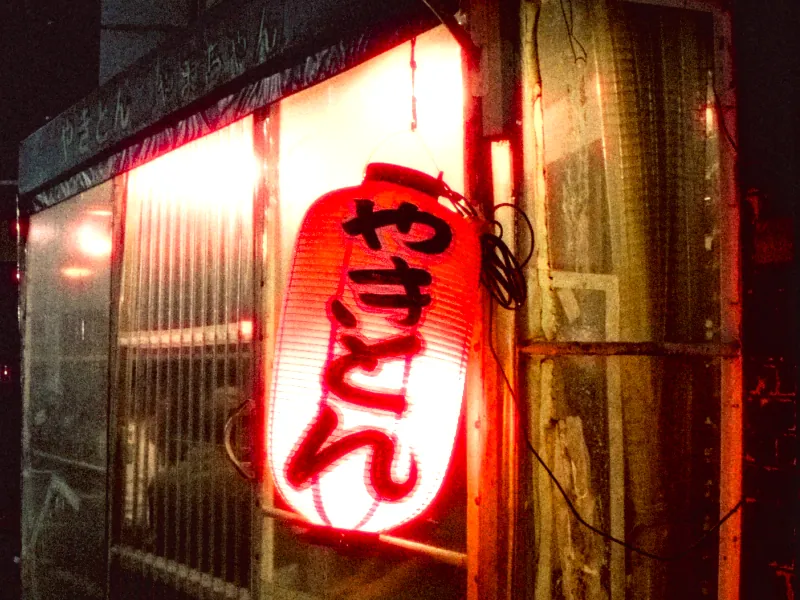
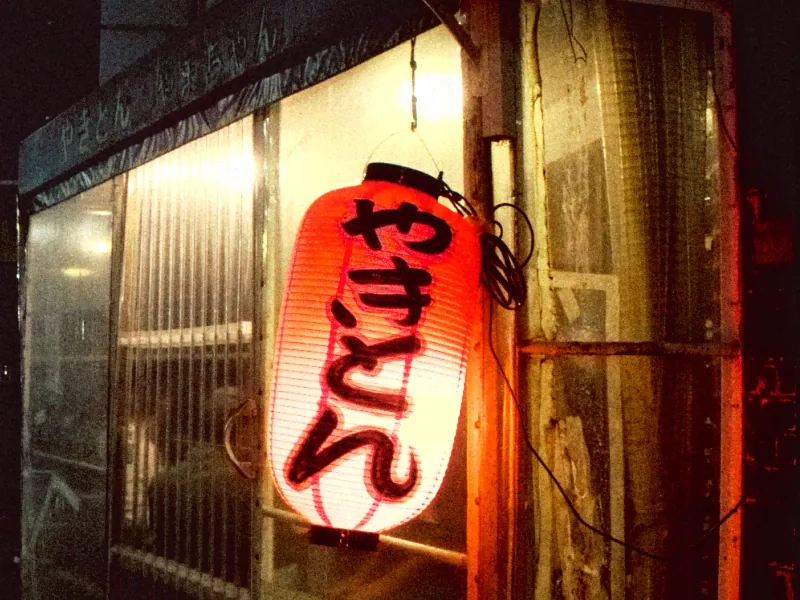
Light bleeds through the film and back off its base, leaving a warm halo around bright points. Each LOOK carries its own. Switch it off, or steer it toward red.
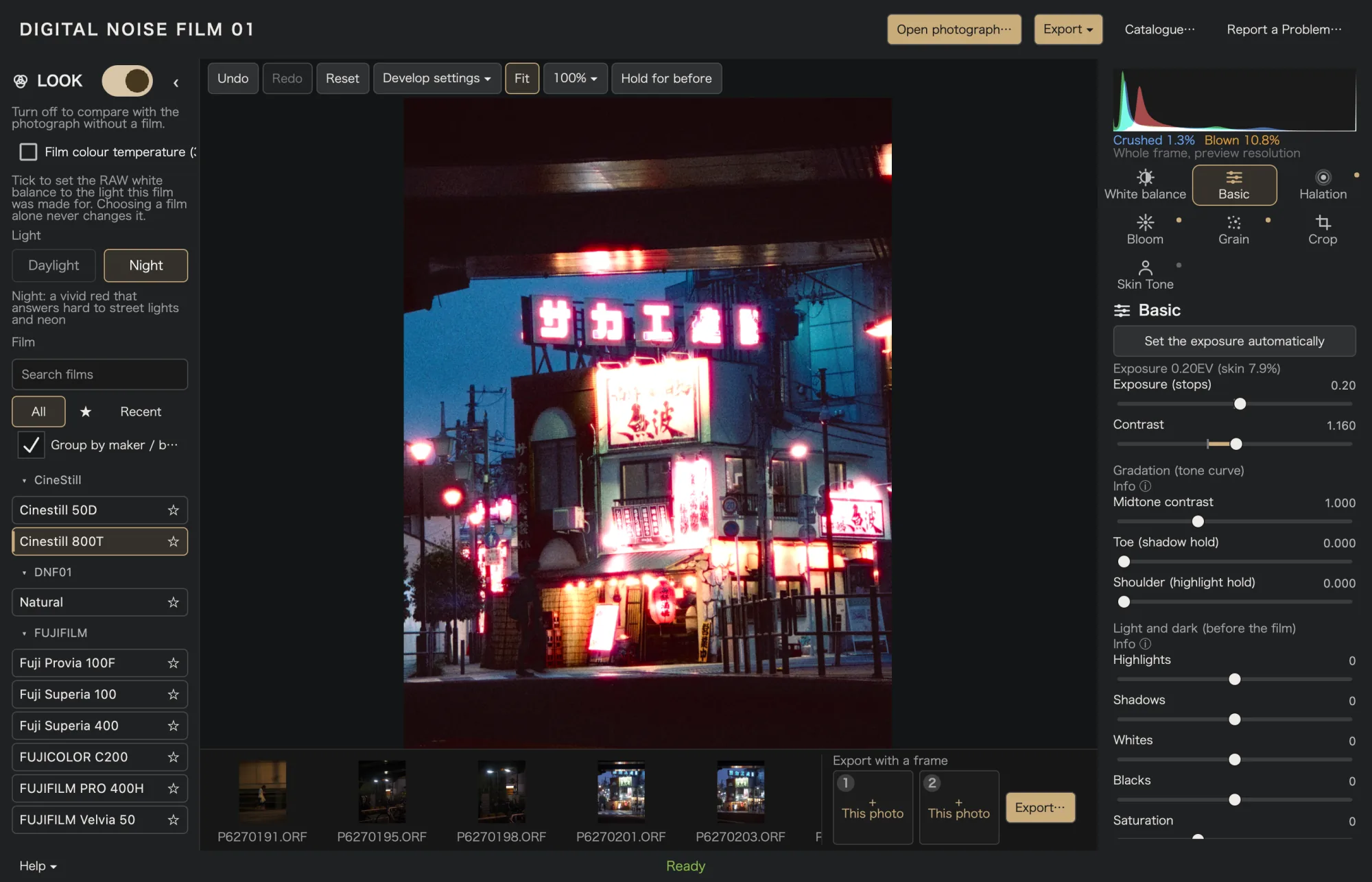
Cinestill 800T · Night
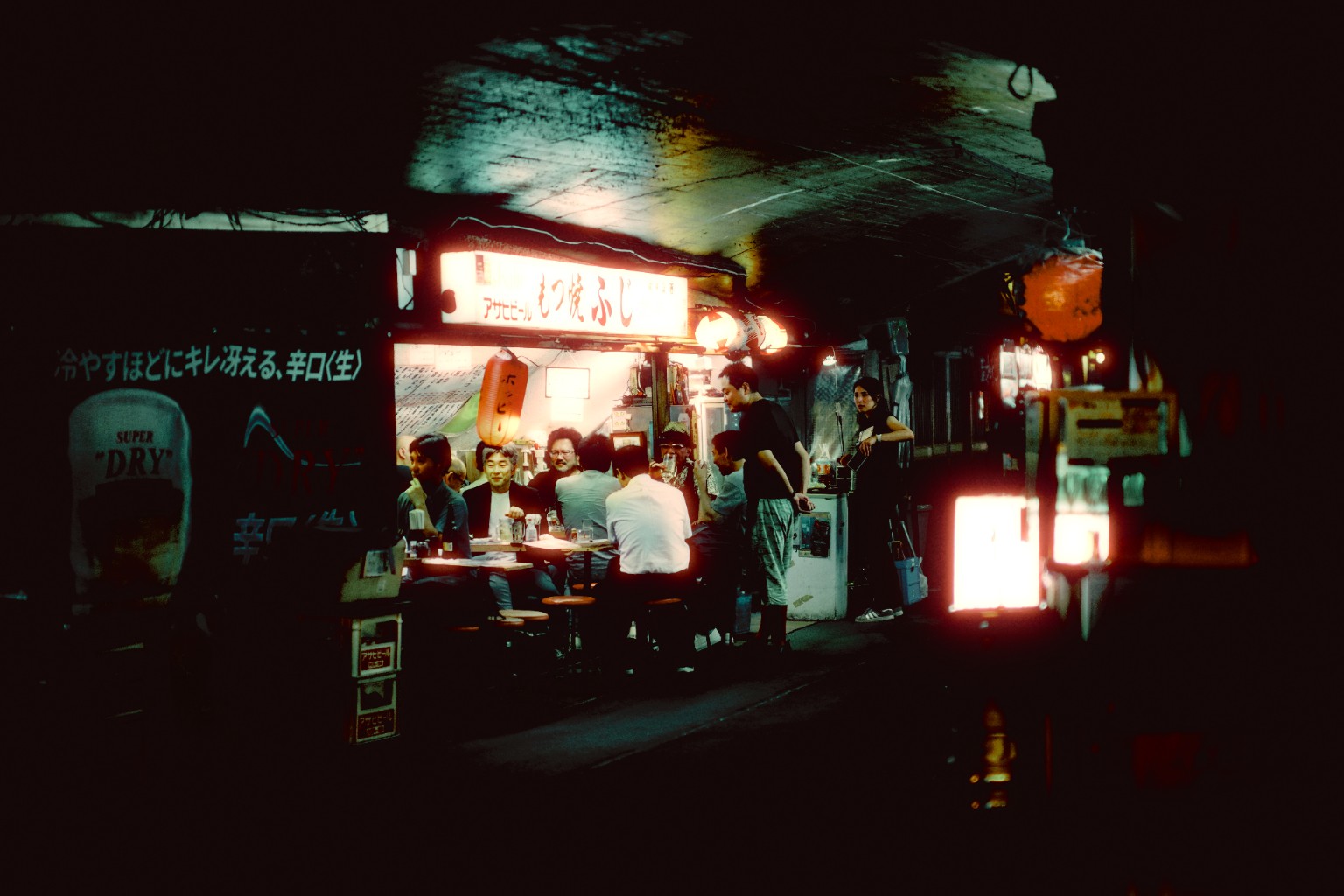
DNF01 develops RAW and JPEG photos with film-inspired color, halation, bloom and grain. Work on its own or alongside Lightroom. In development.
In development · macOS and Windows planned
Light that lingers. Finished with DNF01
DNF01 is film emulation and RAW development software for photographers. It is not a preset you apply once. You choose a film, tell it whether the light was day or night, blend up to four of them if you like, and finish with halation, bloom and grain.
Keep your Lightroom library and add DNF01 to your workflow, or develop and export a photograph entirely in DNF01.
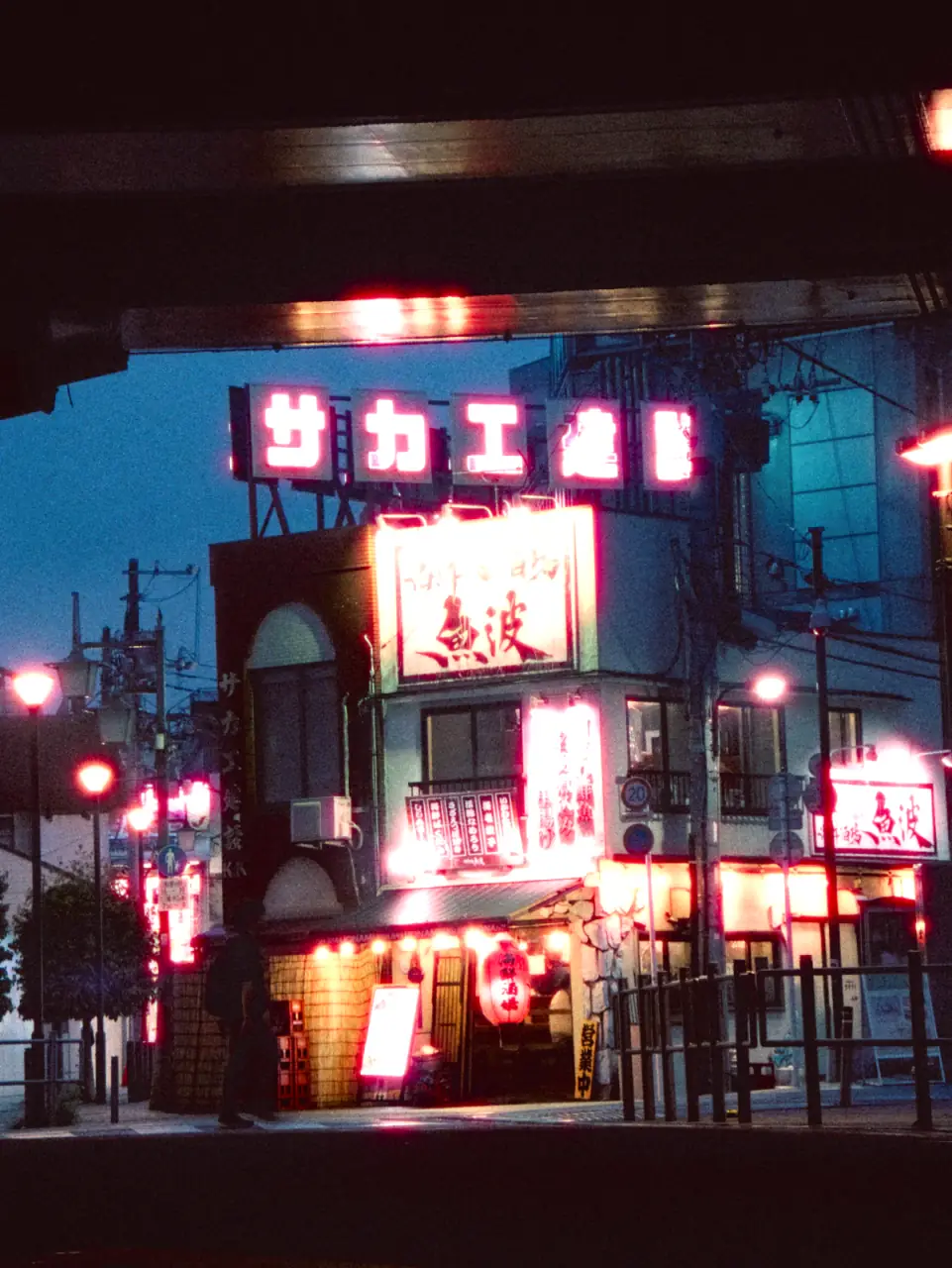
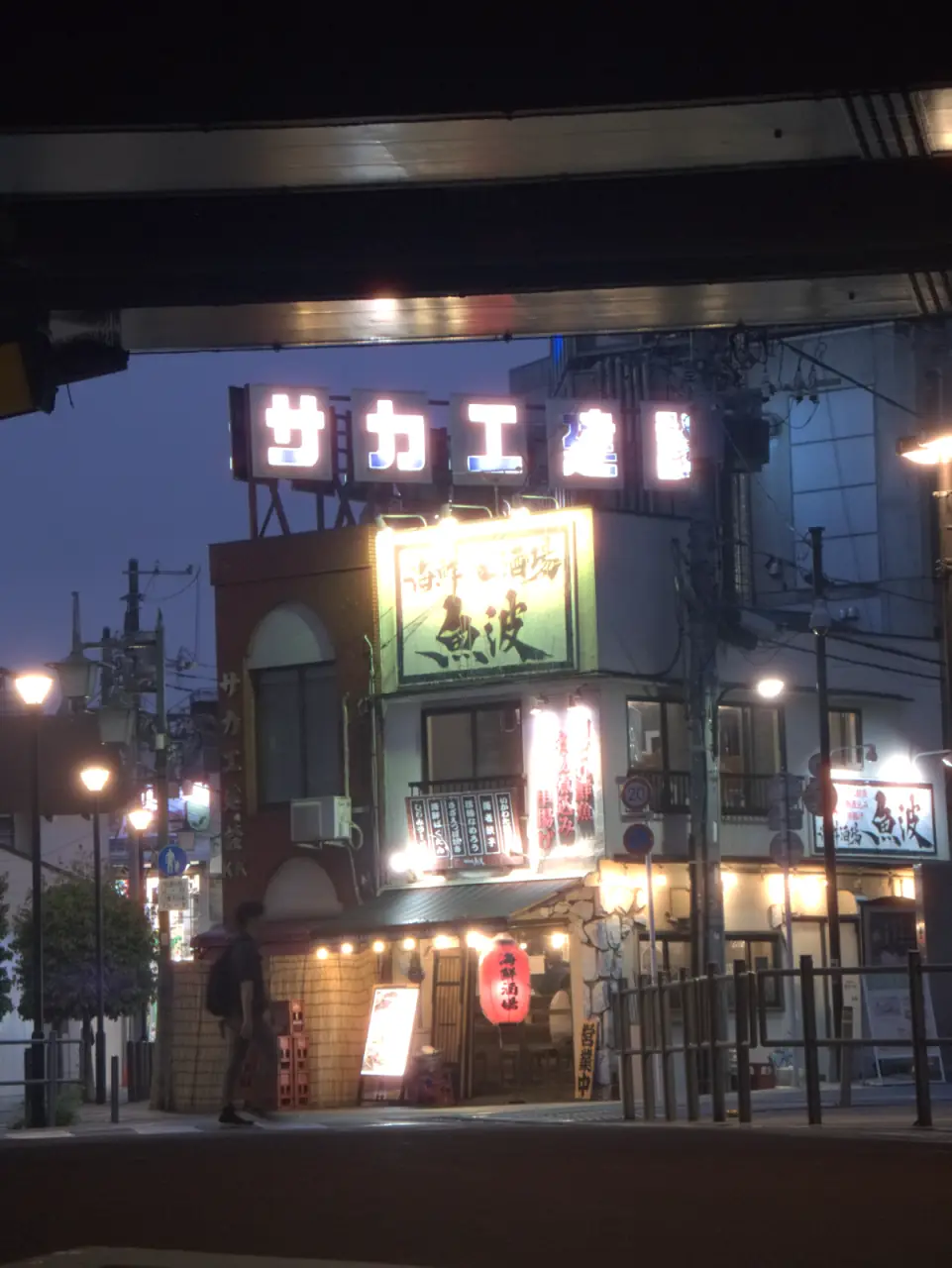
The same RAW file, opened in DNF01 with automatic exposure and no film, then with a film LOOK. Drag the line, or hold the button to see the original.
Choose a photograph
Same RAW file, same exposure; only the LOOK changes. Rendered by the DNF01 engine at preview size, with no other retouching.
Each LOOK has its own tone, colour and halation, and answers daylight and night differently. Choose one, or blend up to four.
Select a LOOK to develop the photograph with it.
Film names identify the stocks that inspired each LOOK. All trademarks belong to their owners. DNF01 is not affiliated with or endorsed by them, and these renderings are DNF01’s own interpretation, not a claim of a match.
Next, in exploration: a Season Film, a look for one moment of the year that joins the archive when the season ends.
Film does not stop at the edge of a highlight. Light spreads inside the emulsion and glows around a lamp, and the surface is made of grain. In DNF01 each of these is a control of its own.
Light bleeds through the film and back off its base, leaving a warm halo around bright points. Each LOOK carries its own. Switch it off, or steer it toward red.
Cinestill 800T · Night
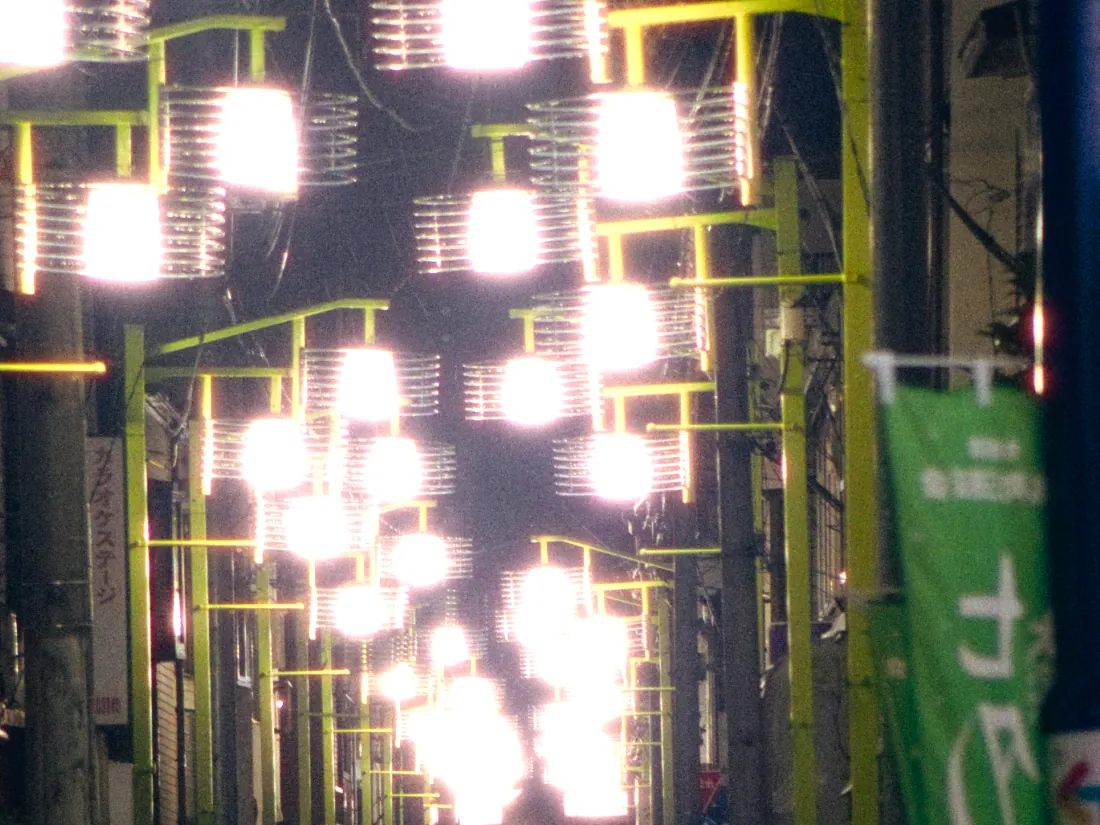
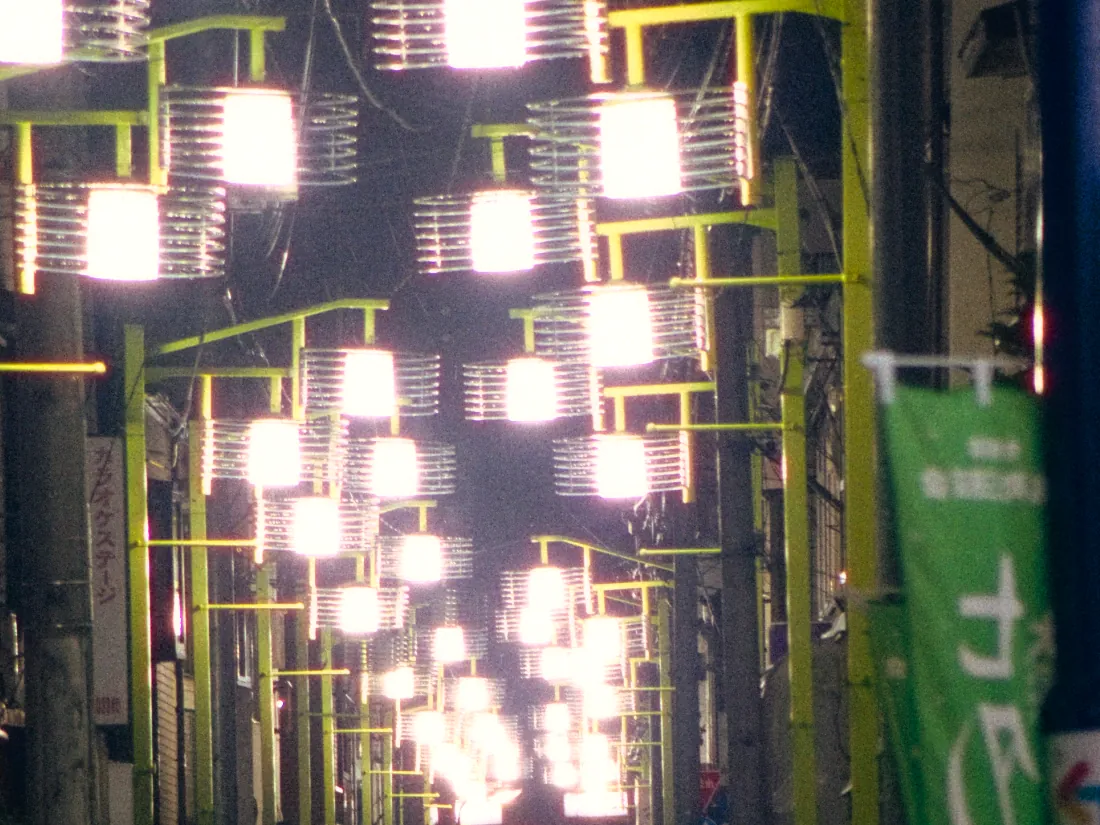
The veiling glare of a lens. Wider than halation, and neutral in colour because glass has no hue. Off until you want it.
Kodak Portra 800 · Night · Amount 1.0 (0–2)
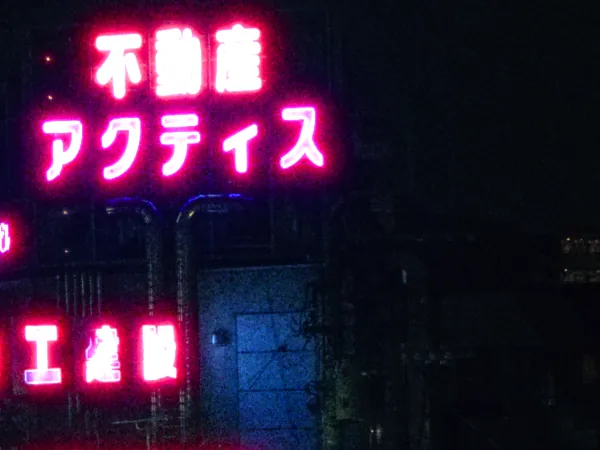
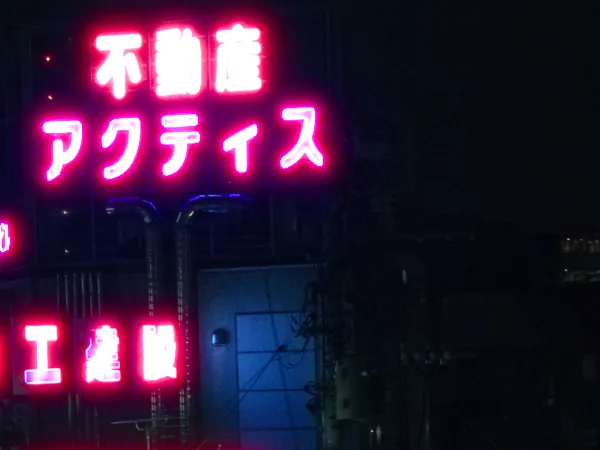
Eight steps, from off to 1600. Shown enlarged, so you can see its structure.
KODAK VISION3 500T · Night · Grain 1600
Preview-size renders from the DNF01 engine, enlarged.
Develop your photos, one roll at a time.
Film LAB is a separate screen for developing a whole folder as rolls. Choose a folder, decide how long a roll is, and give every roll its own Film, light and finish. Frames are developed one by one and saved beside a record of exactly what was done. Your originals are never touched.
RAW, JPEG, PNG or TIFF files, sorted by capture time.
27 EXP, 36 EXP, or any length from 1 to 9999.
A Film, Day or Night, halation, bloom, grain and a colour temperature offset, per roll.
Saved as Roll_01, Roll_02… with a manifest.json. A failed frame never stops the rest.
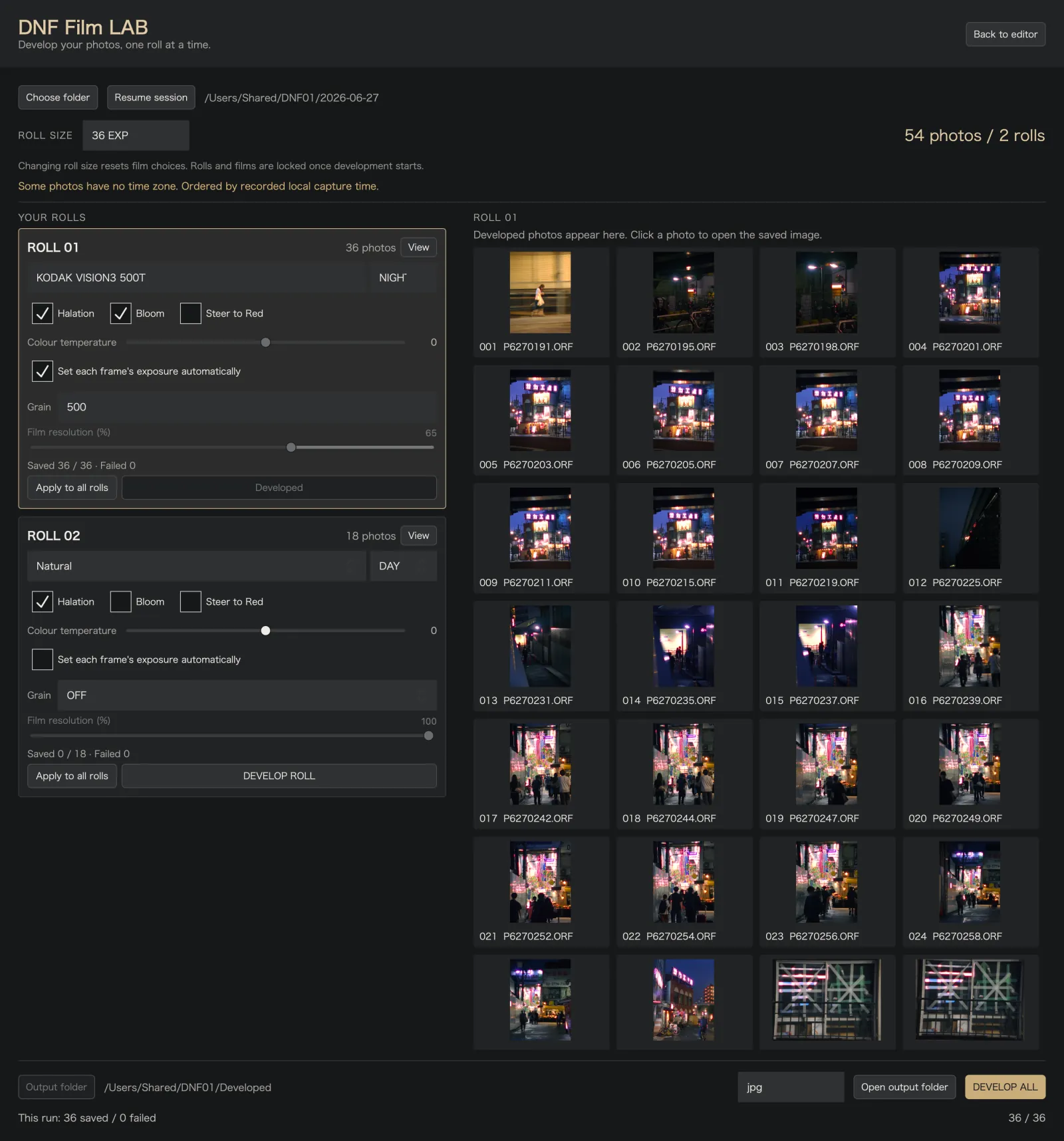
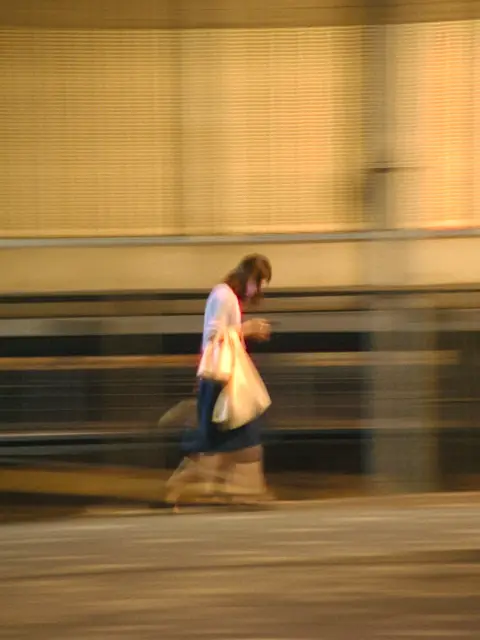
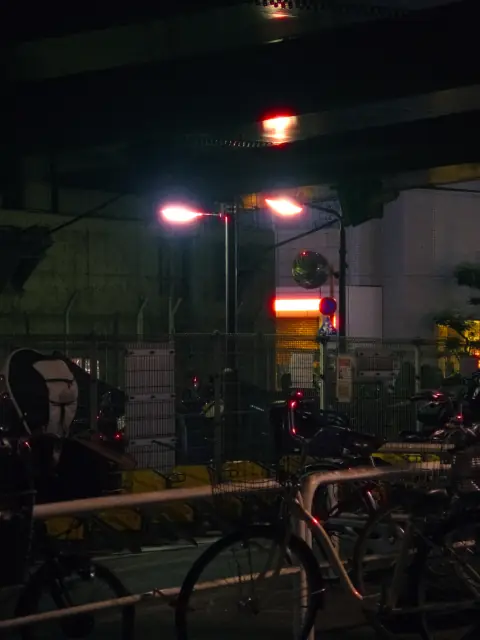
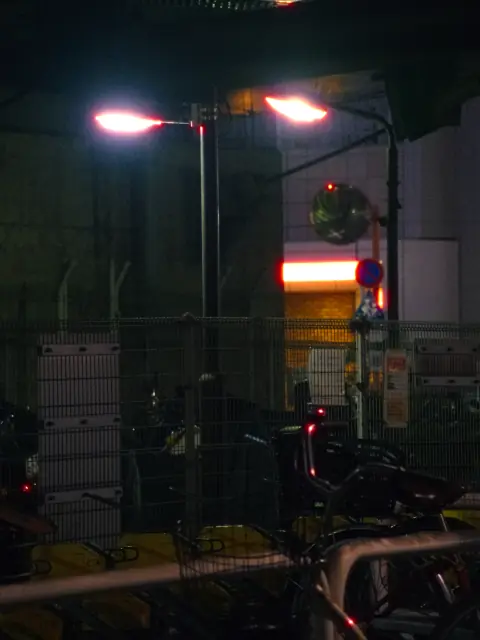
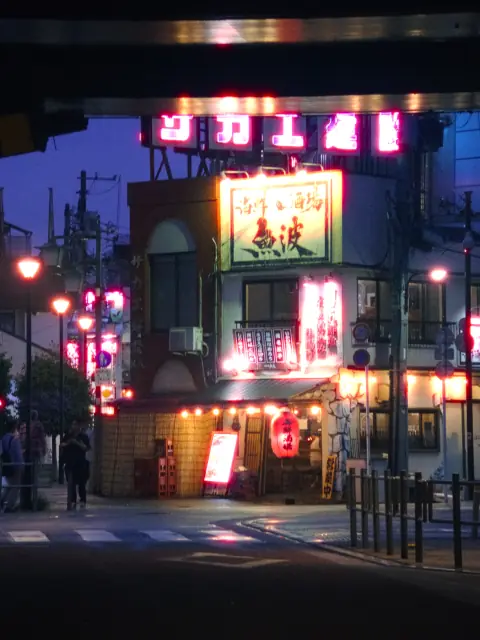
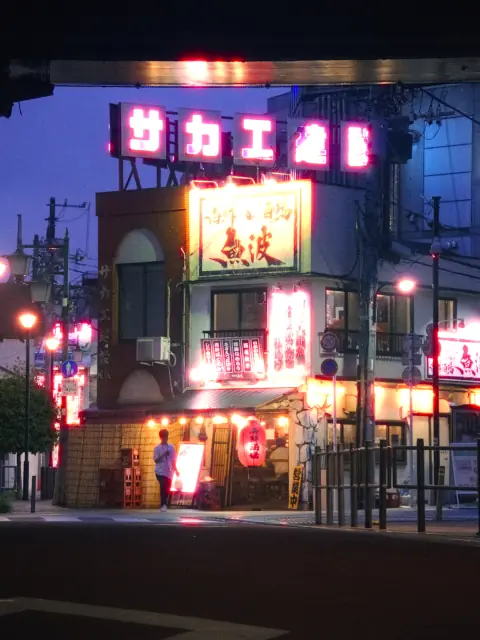
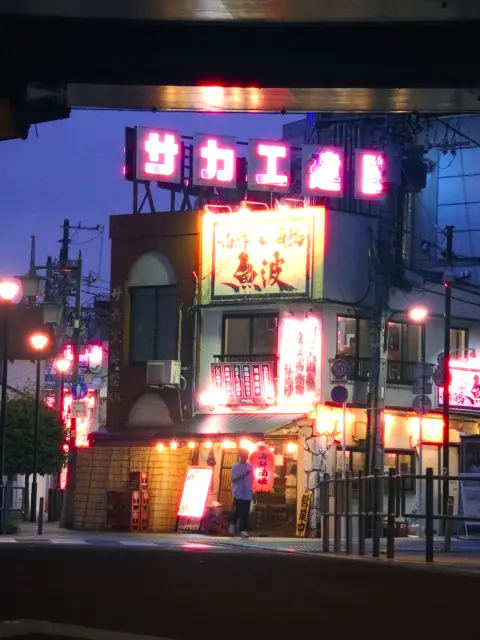
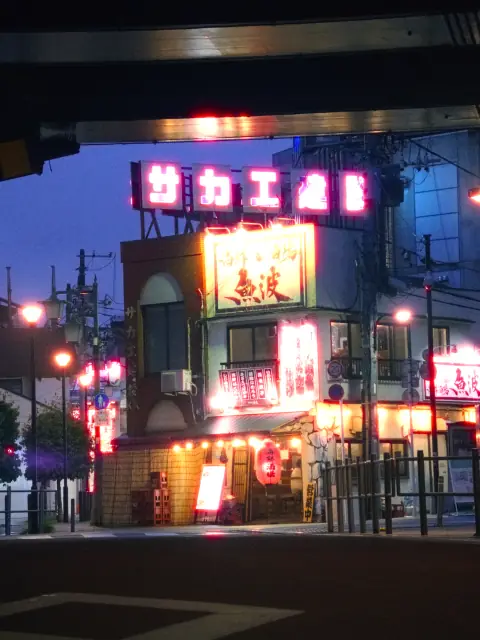
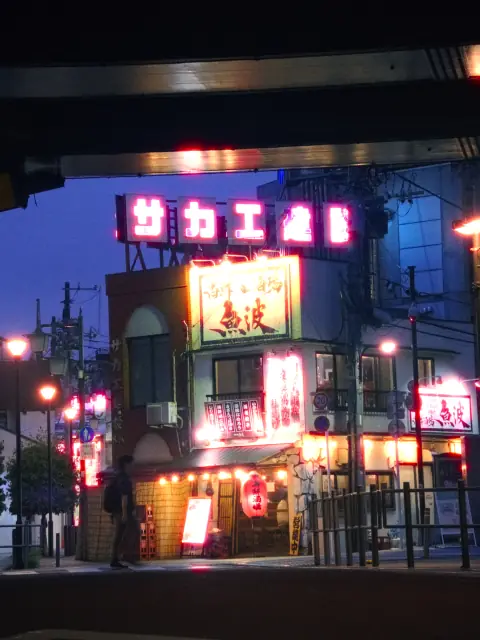
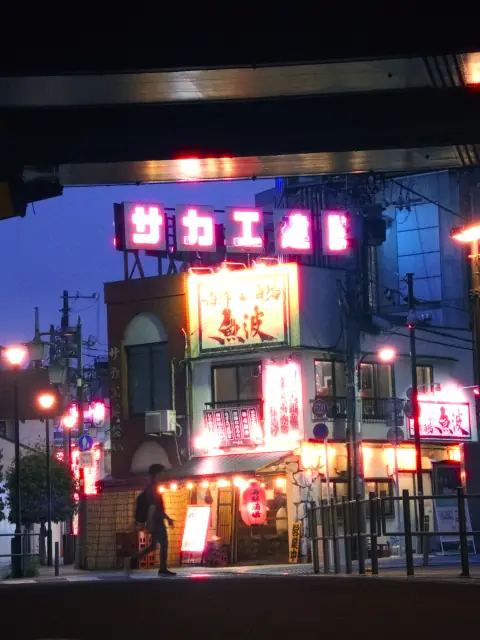
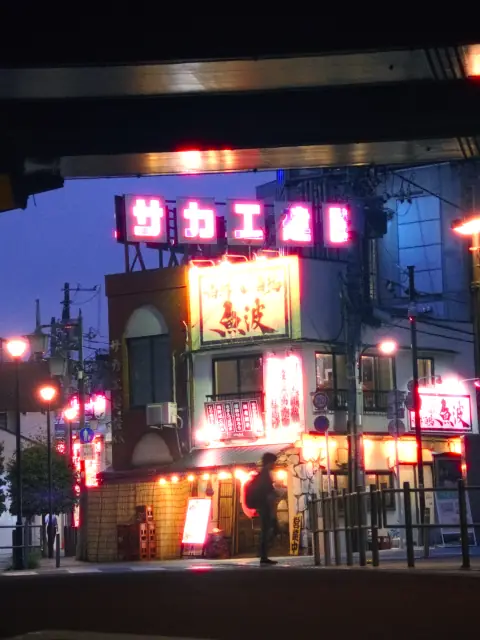
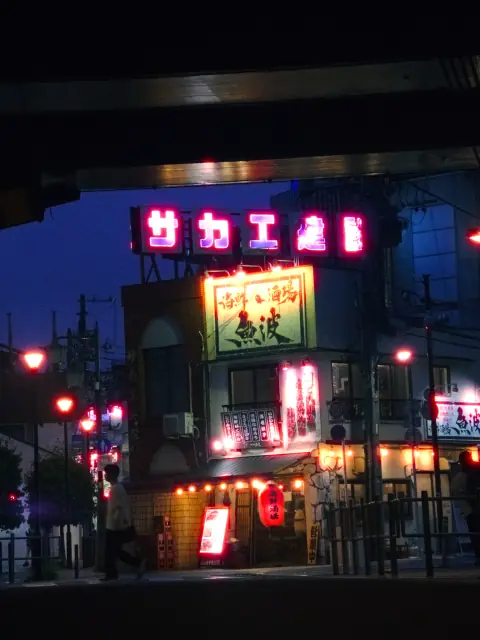
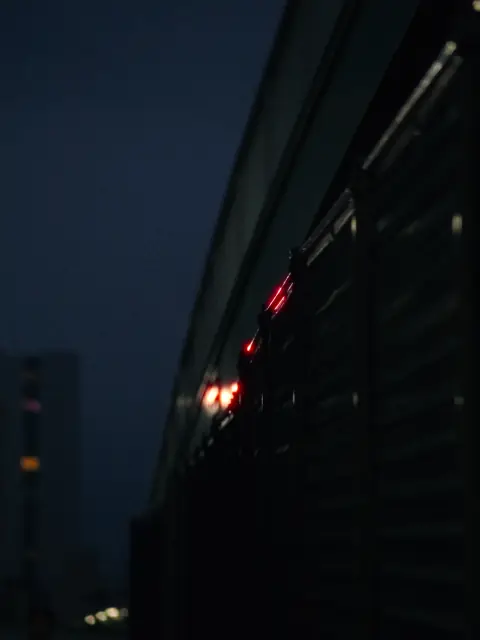
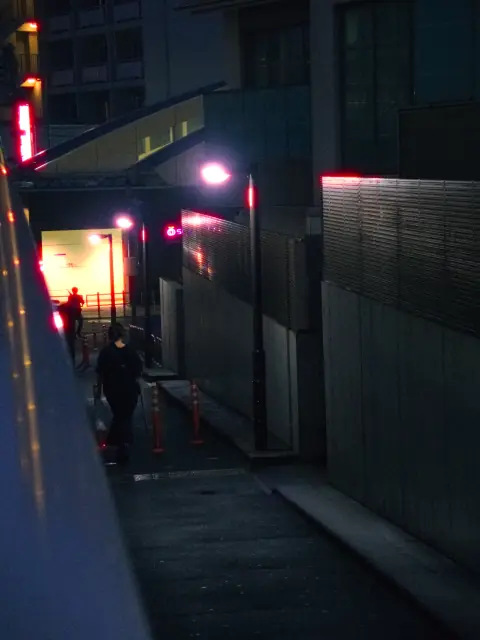
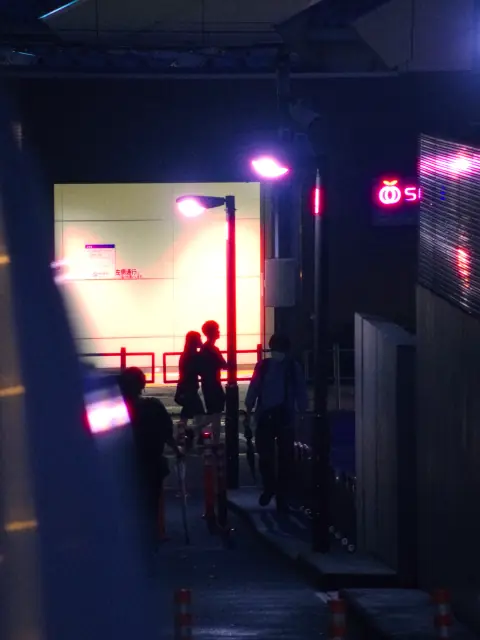
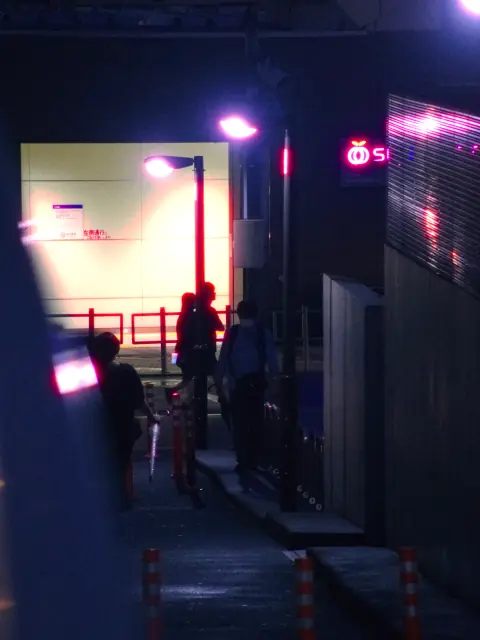
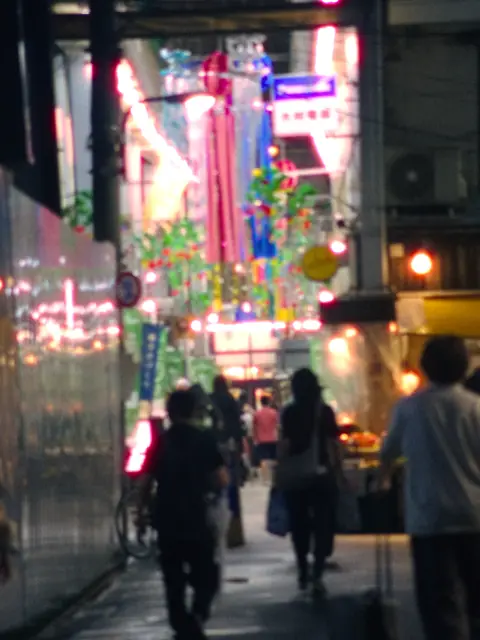
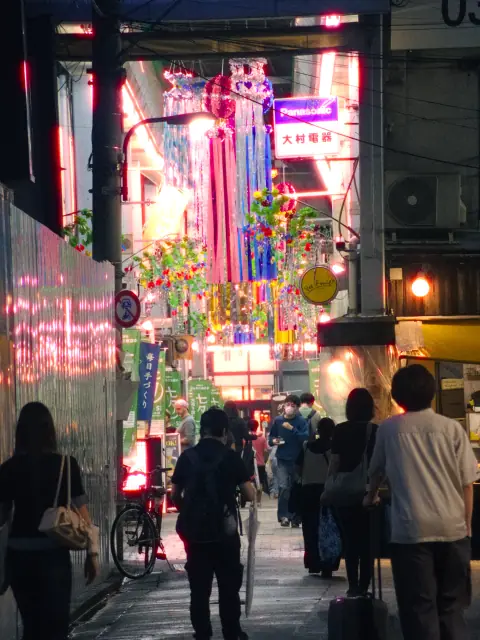
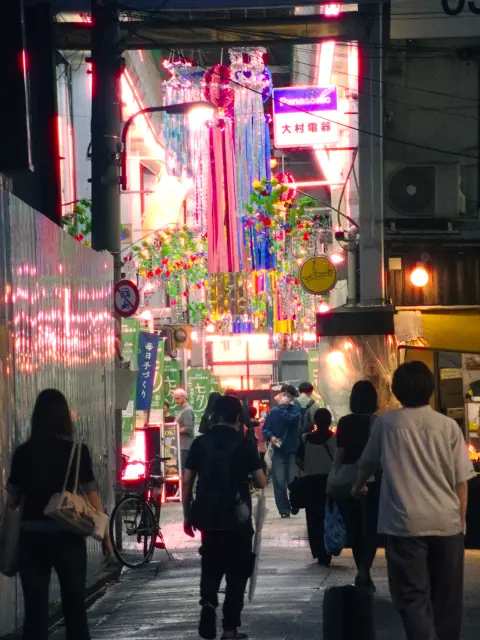
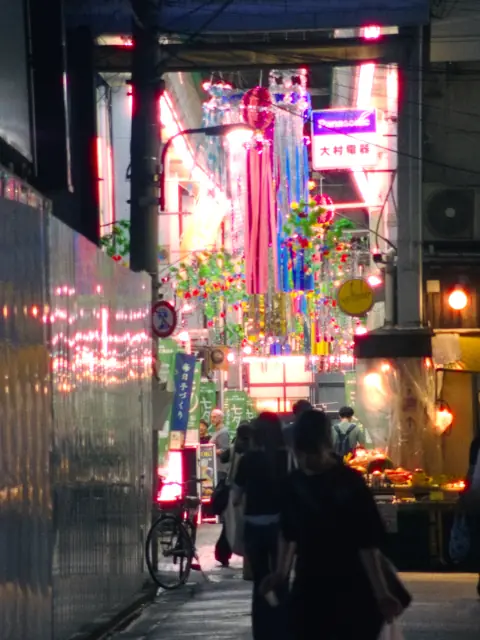
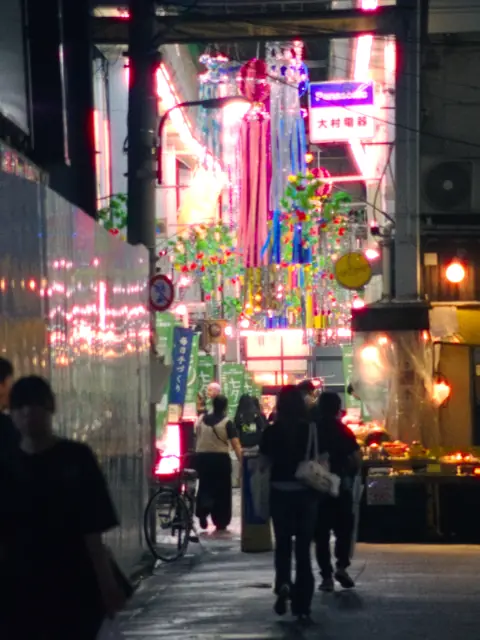
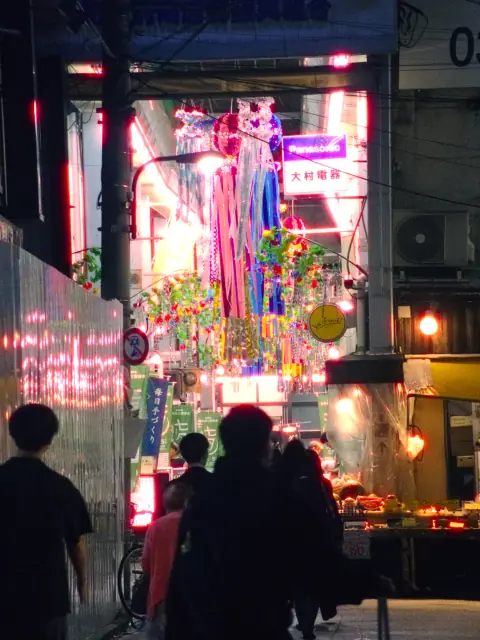
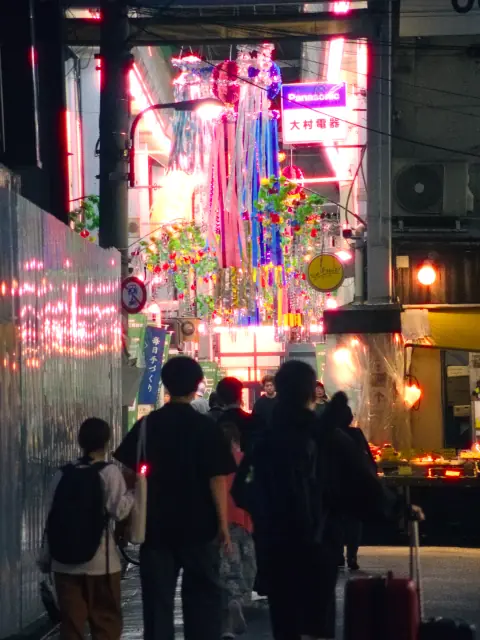
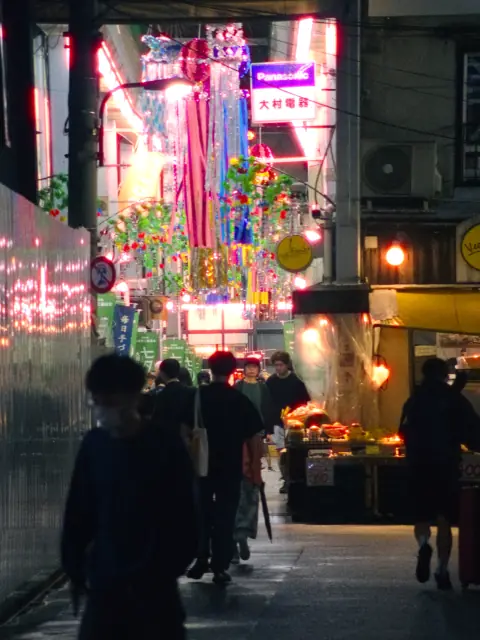
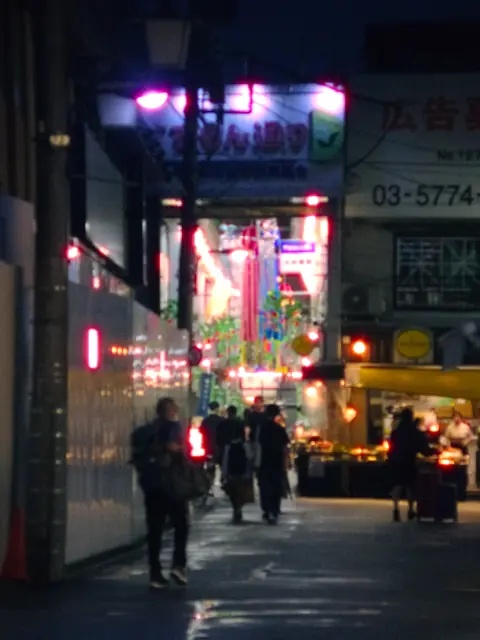
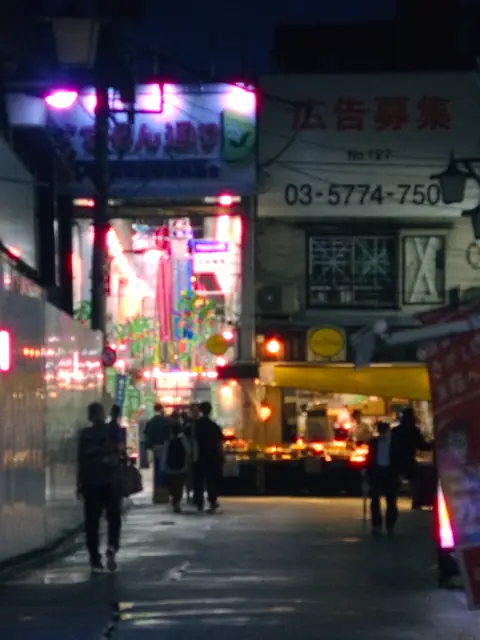
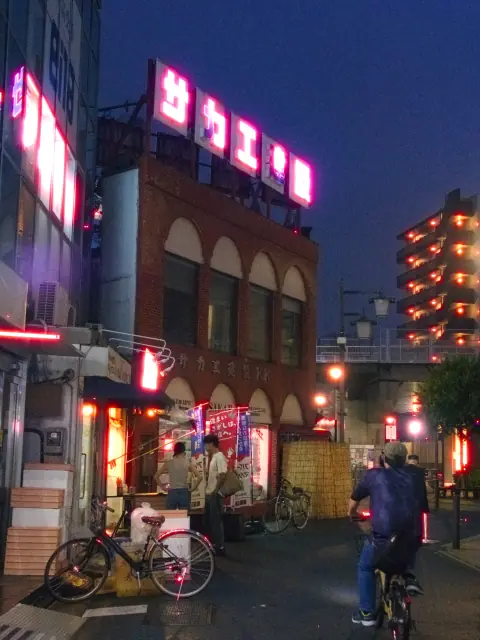
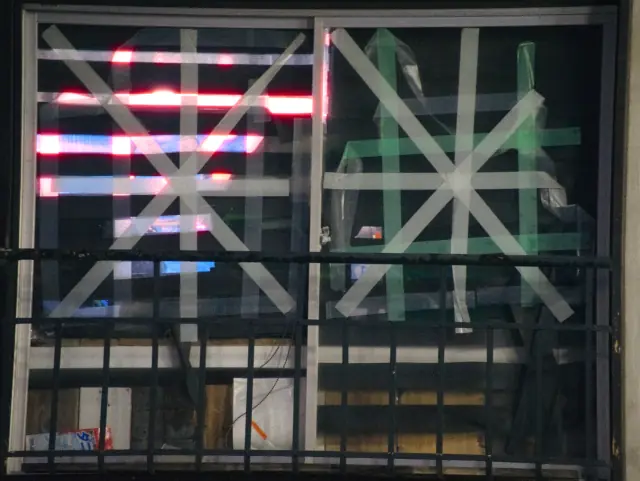
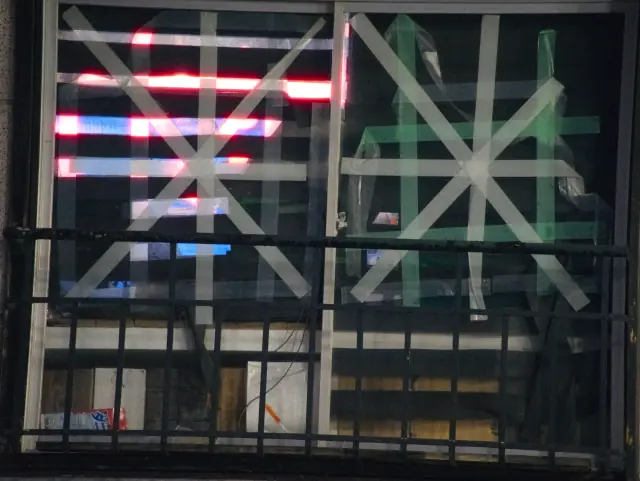
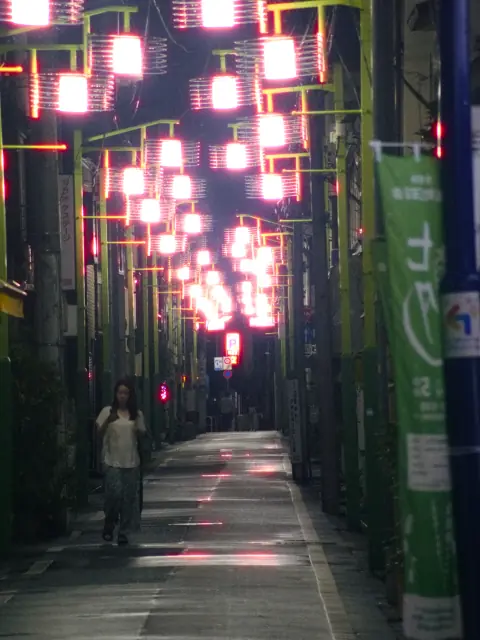
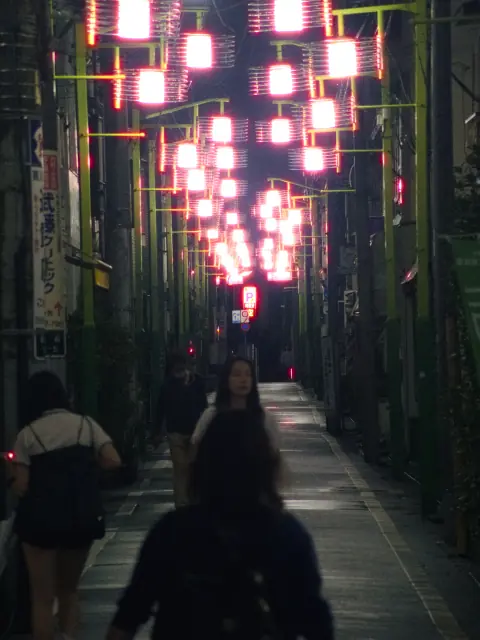
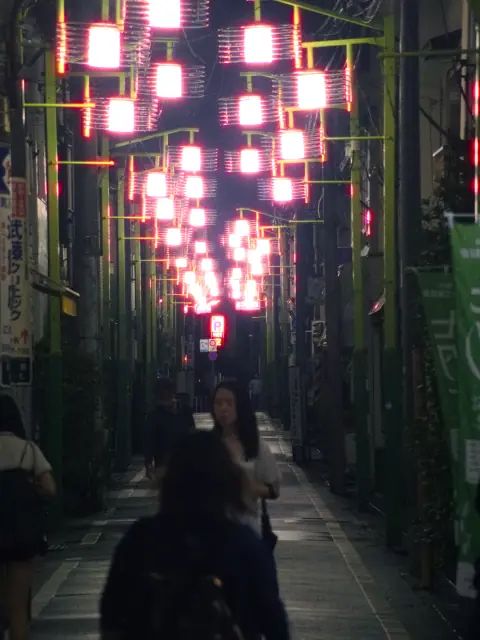
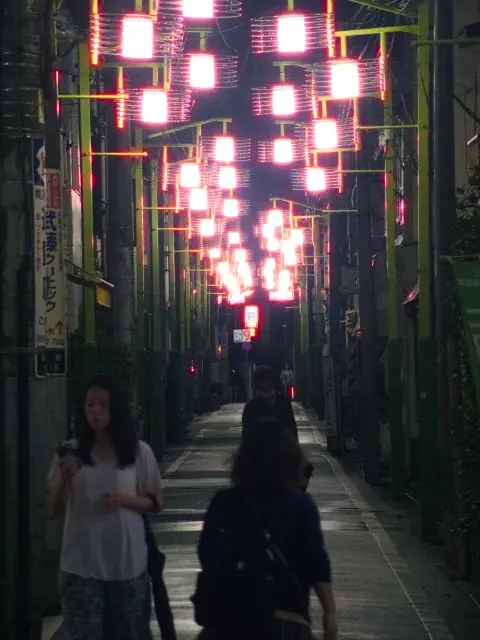
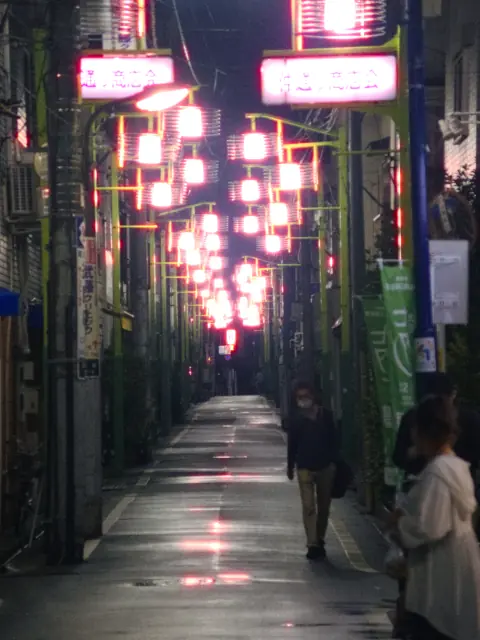
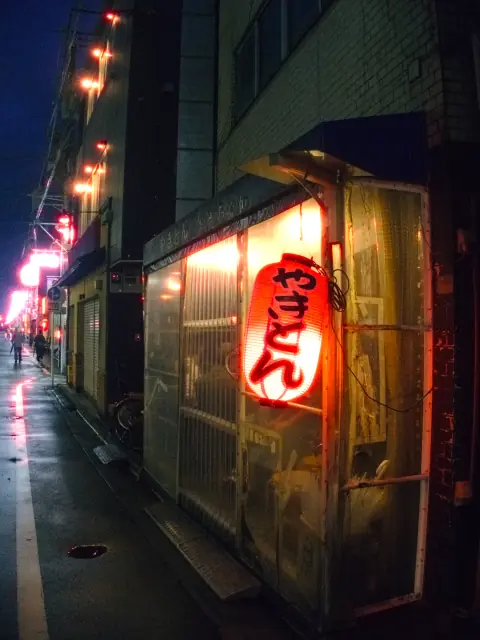
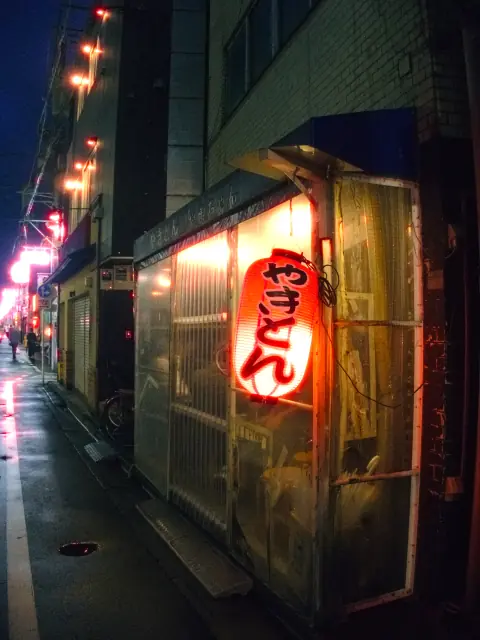
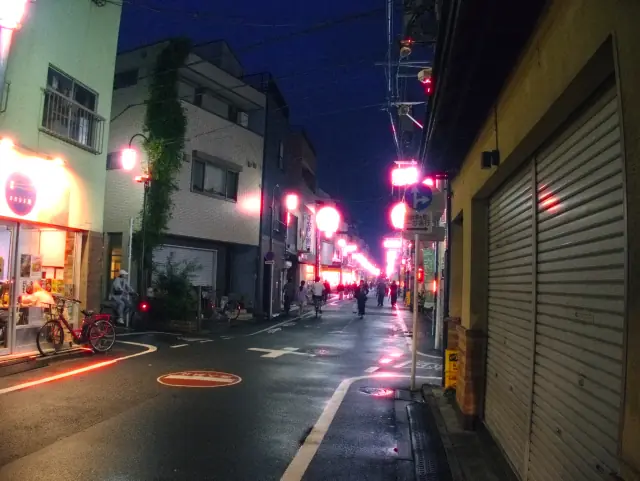
The strips are the 36 frames Film LAB developed in the window above, from ORF RAW files, with the KODAK VISION3 500T LOOK at Night. Interface shown in English.
DNF01 works on its own: develop RAW, edit JPEG, export a finished image. Lightroom users can keep their library, browse their catalog from DNF01 and use a Lightroom plugin workflow.
Catalog access is read-only. Lightroom edits are not claimed to transfer. Plugin workflow details are being validated before release.
Plugin workflow: being validated
Opened read-only. Never written to, never copied.
Develop the RAW with a Film LOOK, halation, bloom and grain.
A finished JPEG, PNG or TIFF. Your original stays where it was.
Frame a single photograph or bring two together. Choose an aspect ratio and a black or white outer border, then export the finished composition.
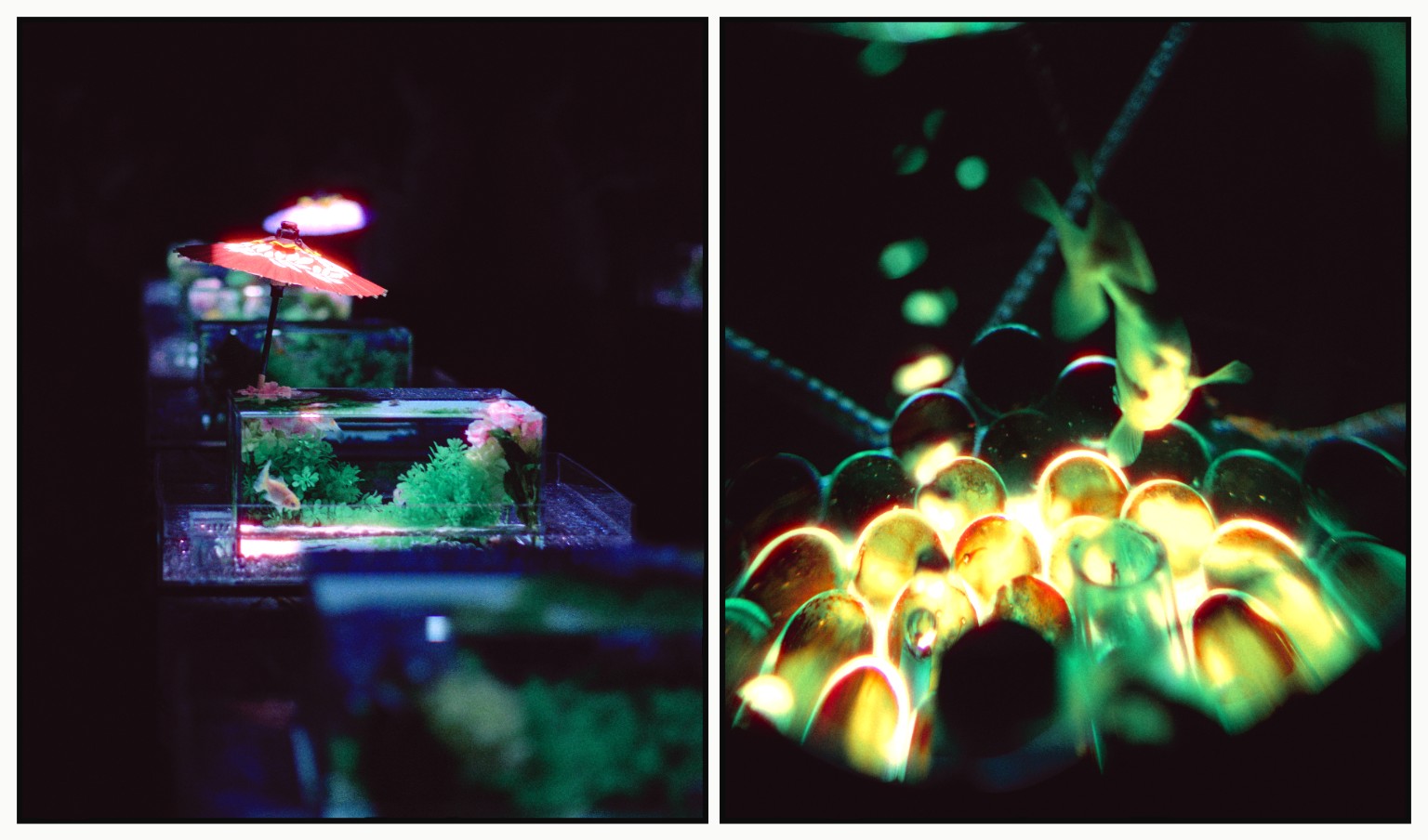
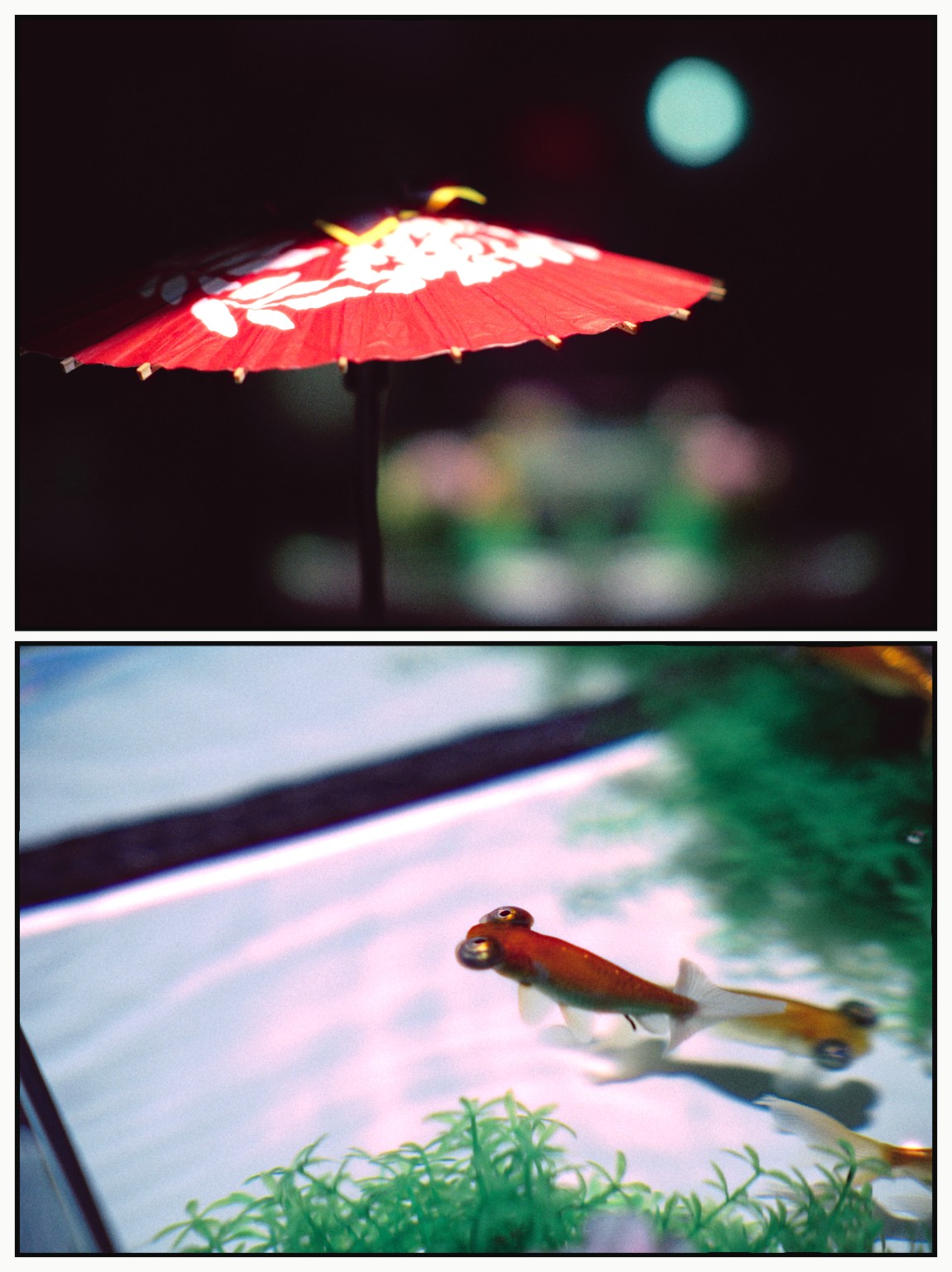
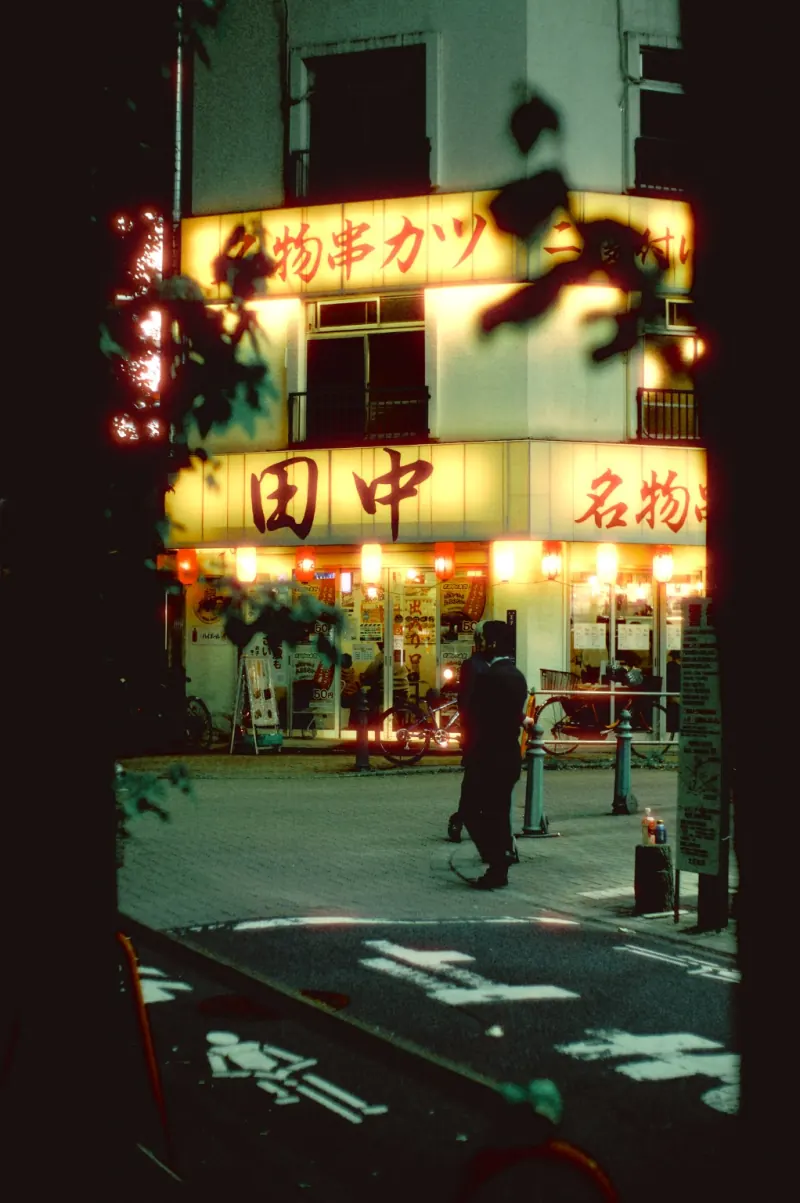
Photographs finished with DNF01. Single frames and pairs, shown with their original borders and compositions.
Your photograph. Your mix.
Choose a Film, switch Daylight / Night, then explore Film Blend. Adjust each Film individually and the overall LOOK strength from 0–200%. Finish with halation, bloom, grain and basic adjustments.
In development
A little more time in the darkroom.DNF01 is in development, with Windows and macOS support planned. Release details will be announced here.
Details marked “to be announced” will be published here with the release.
Explore light, grain and color through photographs finished with DNF01, with notes for anyone looking for a film look or film presets. Film look: the DNF01 approach ↗
We are building the tools. You bring the photograph.